Outdoor security camera mounted on a building exterior

Security Camera Systems in Texas

Protect your home, job site, office, or property with professionally installed security camera systems—built for real Texas conditions, from city neighborhoods to rural acreage.

Texas Installer Inc provides Texas-wide residential and commercial security camera installation, upgrades, and troubleshooting. We’ll help you choose the right coverage, storage, and connectivity—then install it cleanly and train you to use it.

Why Security Cameras Matter

A good camera system does more than record video. It helps you prevent problems, document incidents, and respond faster when something happens.

  • Deterrence: Visible cameras and lighting reduce opportunistic theft and vandalism.
  • Evidence: Clear footage, timestamps, and event clips help with reports and insurance claims.
  • Awareness: Know what’s happening at your front door, gate, driveway, warehouse, or office—day or night.
  • Accountability: Confirm deliveries, monitor job sites, and review access to restricted areas.
CCTV Wifi Smart Home Security Camera Mounted on White Wall

We design systems that prioritize coverage and reliability—not just the number of cameras.

Residential vs. Commercial / Corporate Security

Residential security camera systems

Home systems focus on front door visibility, package protection, driveway coverage, backyard and side-yard access, and simple mobile app control for the whole family.

  • Doorbell + exterior cameras
  • Driveway/garage coverage
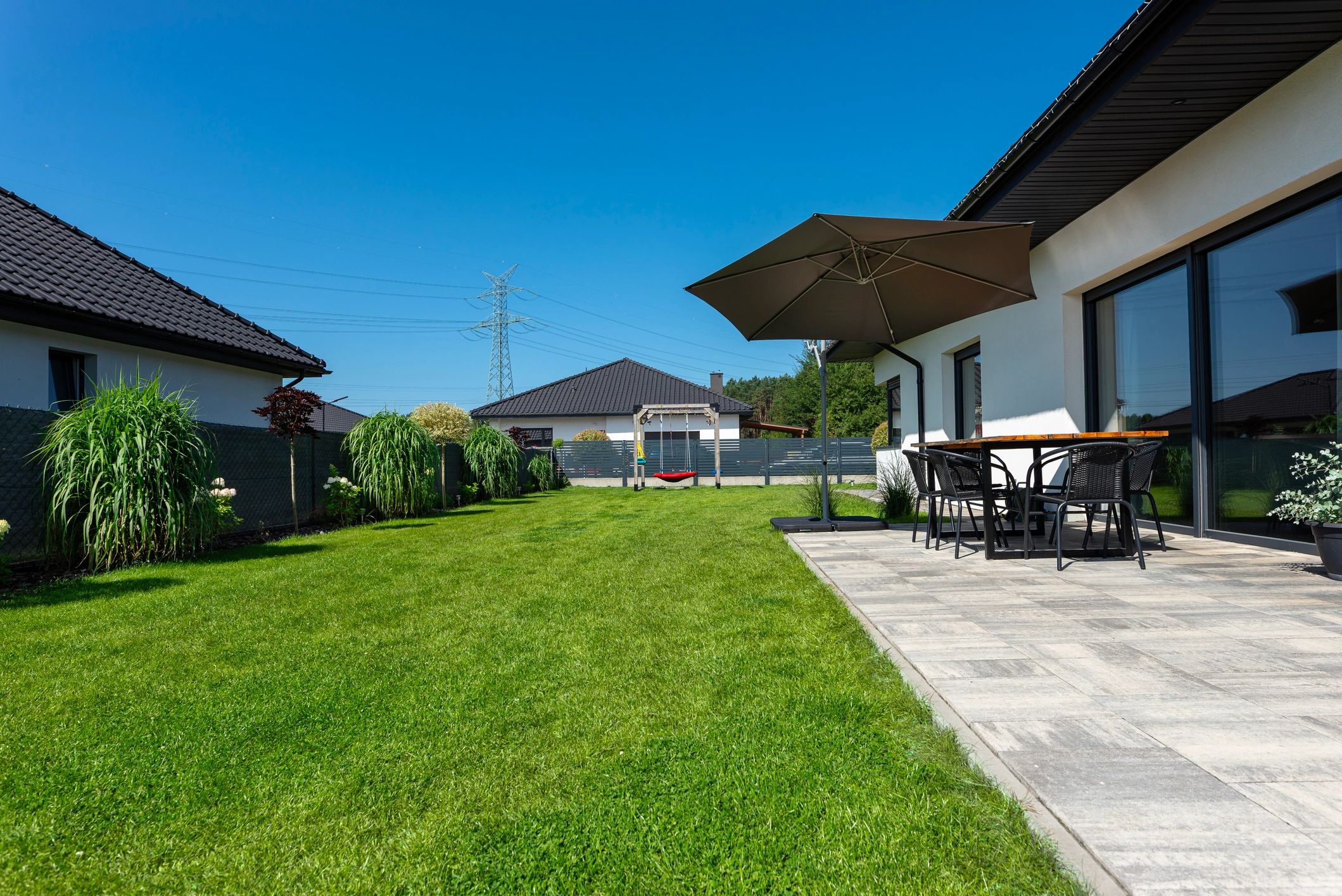
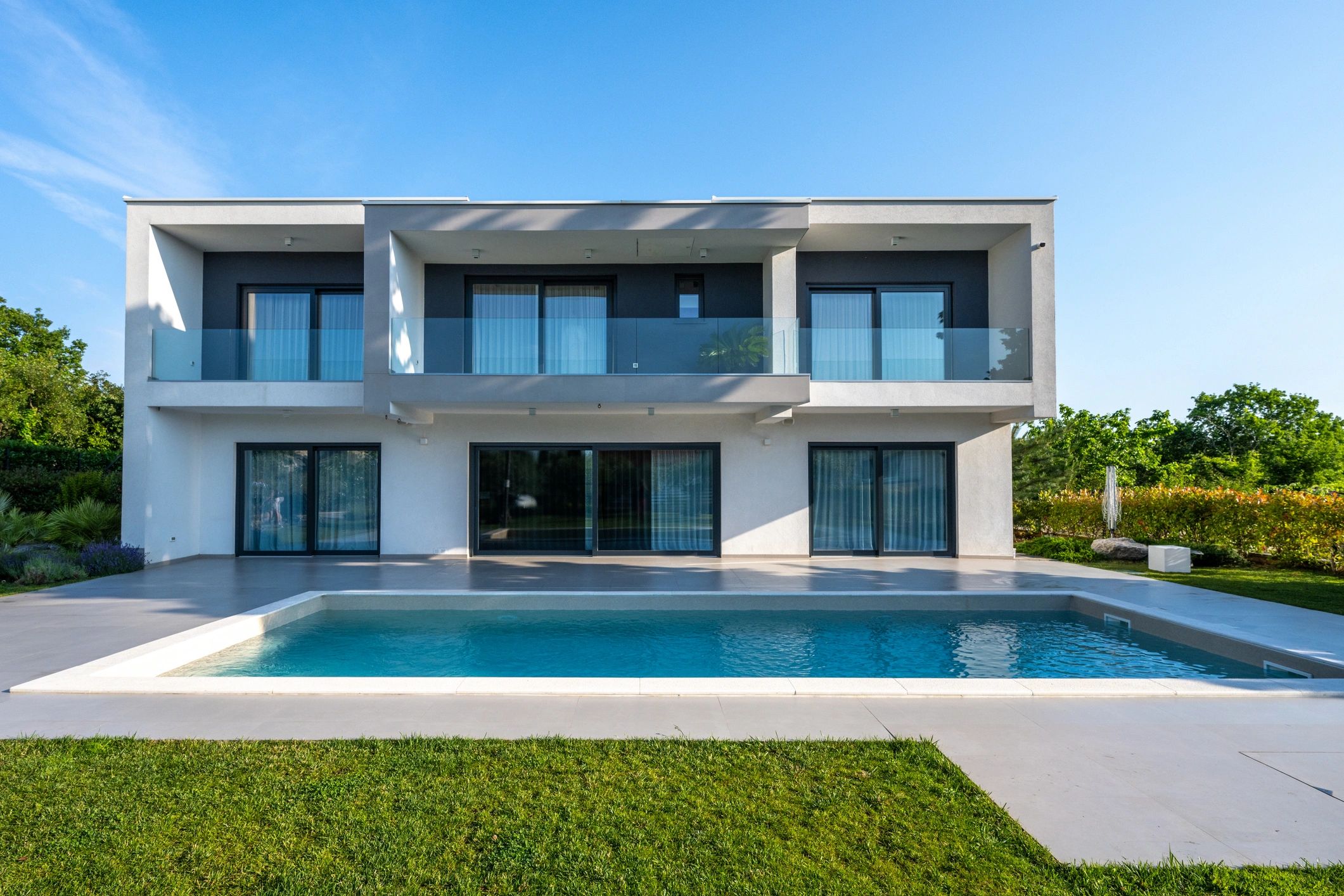
  • Backyard/pool monitoring
  • Smart alerts and quick clip review

Commercial / corporate systems

Business systems prioritize uptime, retention, access control coordination, and multi-user permissions—often with more cameras, longer recording windows, and hardened network design.

  • Parking lots, entrances, and loading docks
  • Cash handling and inventory areas
  • Office corridors and reception
  • Job sites, equipment yards, and storage buildings

Types of Security Camera Systems

Wired, wireless, and PoE

Wired systems are the most stable for long-term reliability. Wireless cameras can be faster to deploy but depend heavily on Wi‑Fi strength and interference. PoE (Power over Ethernet) is a best-of-both-worlds approach for many properties: one cable provides power and data, reducing failure points and improving image stability.

NVR vs. DVR vs. Cloud

  • NVR (Network Video Recorder): Common with IP/PoE cameras; higher resolution and flexible scaling.
  • DVR (Digital Video Recorder): Often used with coax-based systems; can be cost-effective for certain retrofits.
  • Cloud recording: Convenient remote access and offsite backup, but depends on internet upload speed and subscription plans.
Male technician stands on ladder, installs CCTV camera in office room using tablet

We help you match the system to your goals: live viewing, event alerts, long retention, multi-site access, or simple “set it and forget it” recording.

Indoor vs. outdoor cameras

Outdoor cameras need weather resistance, stable mounting, and smart placement to avoid glare and false alerts. Indoor cameras are great for entry points, hallways, and key rooms—especially for businesses after hours.

Smart Features to Consider

  • AI detection: person/vehicle detection to reduce false alerts.
  • Motion zones: focus alerts on driveways, doors, gates, and walkways.
  • Two-way audio: talk to visitors or deter suspicious activity.
  • Spotlight/siren: active deterrence for night events.
  • Smart home integrations: connect with compatible hubs, lighting, and automation routines.
  • Remote access: view live feeds and clips from your phone anywhere.
Futuristic security cameras scanning the street

We configure alerts so you get the events you care about—without constant notifications.

Solar Security Cameras

Solar security cameras are a strong option for properties where running power is difficult—like gates, barns, shops, long driveways, equipment yards, and remote corners of acreage.

How they work

A solar panel charges a battery that powers the camera. Most solar cameras are designed to be energy efficient and rely on motion-based recording and smart sleep modes.

Best use cases

  • Gates and long driveways
  • Barns, shops, and detached buildings
  • Construction sites and temporary monitoring
  • Areas with limited trenching access

Limitations to plan for

  • Shade: trees and rooflines can reduce charging.
  • Winter/overcast days: less solar production means you may need larger panels or bigger batteries.
  • Connectivity: Wi‑Fi range or cellular/LTE service must be reliable at the camera location.
  • Event volume: high-traffic areas can drain batteries faster without proper settings.
Trail Camera Mounted on Wooden Poles in Grassland

For rural properties, we can design solar + cellular solutions that keep coverage reliable even when home internet doesn’t reach the gate.

Process: Installing Solar Security Cameras

  1. Site survey: identify coverage goals, sun exposure, and mounting options.
  2. Placement plan: choose camera angles, heights, and motion zones to reduce false alerts.
  3. Mounting: secure camera and hardware to a stable surface (wall, post, pole, or structure).
  4. Solar panel placement: position for maximum sun and safe cable routing.
  5. Connectivity: connect to Wi‑Fi, bridge, or cellular/LTE as needed.
  6. App setup: user accounts, permissions, notifications, and recording preferences.
  7. Testing: verify day/night image quality, motion triggers, and clip playback.
  8. Training: show you how to view live feeds, export clips, and adjust alerts.
Surveillance camera

We focus on clean installs, stable mounts, and reliable connectivity—so the system works when you need it.

Placement Guidance & Common Coverage Zones

Great systems start with smart placement. We plan camera locations to capture faces, vehicles, and activity paths—while minimizing glare, blind spots, and wasted views.

Common residential zones

  • Front door / porch
  • Driveway and street approach
  • Garage doors and side gates
  • Backyard and patio/pool areas
  • Package drop zone

Common commercial zones

  • Entrances/exits and reception
  • Parking lots and perimeter lines
  • Loading docks and deliveries
  • Inventory and restricted areas
  • Cash handling and high-value rooms

Common mistakes we help you avoid

  • Mounting too high (great for overview, poor for identifying faces)
  • Pointing into sunrise/sunset glare
  • Relying on weak Wi‑Fi at the far edge of the property
  • Not planning for night lighting and reflections
  • Skipping retention planning (storage fills up faster than expected)

Privacy, Policies, and Compliance Considerations

Security cameras should protect people and property while respecting privacy. We’ll help you think through appropriate placement and settings.

  • Respect boundaries: avoid aiming cameras into neighbors’ private spaces.
  • Workplace considerations: follow company policies for camera placement and access permissions.
  • Signage: businesses may benefit from visible signage that cameras are in use.
  • Access control: limit who can view live feeds and exported clips.
  • Data retention: choose a retention window that fits your needs and storage budget.

Internet, Wi‑Fi, and Power Considerations

Connectivity

Reliable video depends on reliable connectivity. For Wi‑Fi systems, we evaluate signal strength where each camera will live. For larger properties, we may recommend PoE cabling, network switches, or wireless bridges.

  • Wi‑Fi: convenient, but range and interference matter.
  • PoE: stable and scalable for most homes and businesses.
  • Cellular/LTE: great for remote gates and rural coverage zones.

Power

Power planning prevents outages and messy installs. We’ll confirm outlets, attic access, and safe routing paths—or design solar/battery solutions for remote locations.

  • Surge protection recommendations
  • Battery backup options for recorders/network gear
  • Clean cable routing and weatherproof penetrations

Storage Options (How Your Footage Is Saved)

Storage is where many systems succeed or fail. We’ll help you choose the right balance of retention, quality, and cost.

Local recording (NVR/DVR)

  • Best for longer retention and higher resolution
  • Works even if internet goes down (for local recording)
  • Requires secure placement of the recorder

Cloud recording

  • Offsite backup and easy remote access
  • Depends on upload speeds and subscription plans
  • Great for smaller systems and quick clip review

Tip: retention depends on camera count, resolution, frame rate, and motion/event settings. We can estimate storage needs during your quote.

Maintenance & Troubleshooting

Simple maintenance that makes a big difference

  • Clean lenses and housings (dust, pollen, spider webs)
  • Trim vegetation that triggers motion alerts
  • Check mounts after storms and high winds
  • Review storage health and update passwords
  • Keep firmware/apps updated for security patches

Common issues we fix

  • Weak Wi‑Fi signal or interference
  • Night glare, IR reflection, or poor exposure
  • False alerts from trees, flags, pets, or insects
  • Storage not recording or clips not saving
  • Water intrusion from improper mounting

Urban vs. Rural Texas Considerations

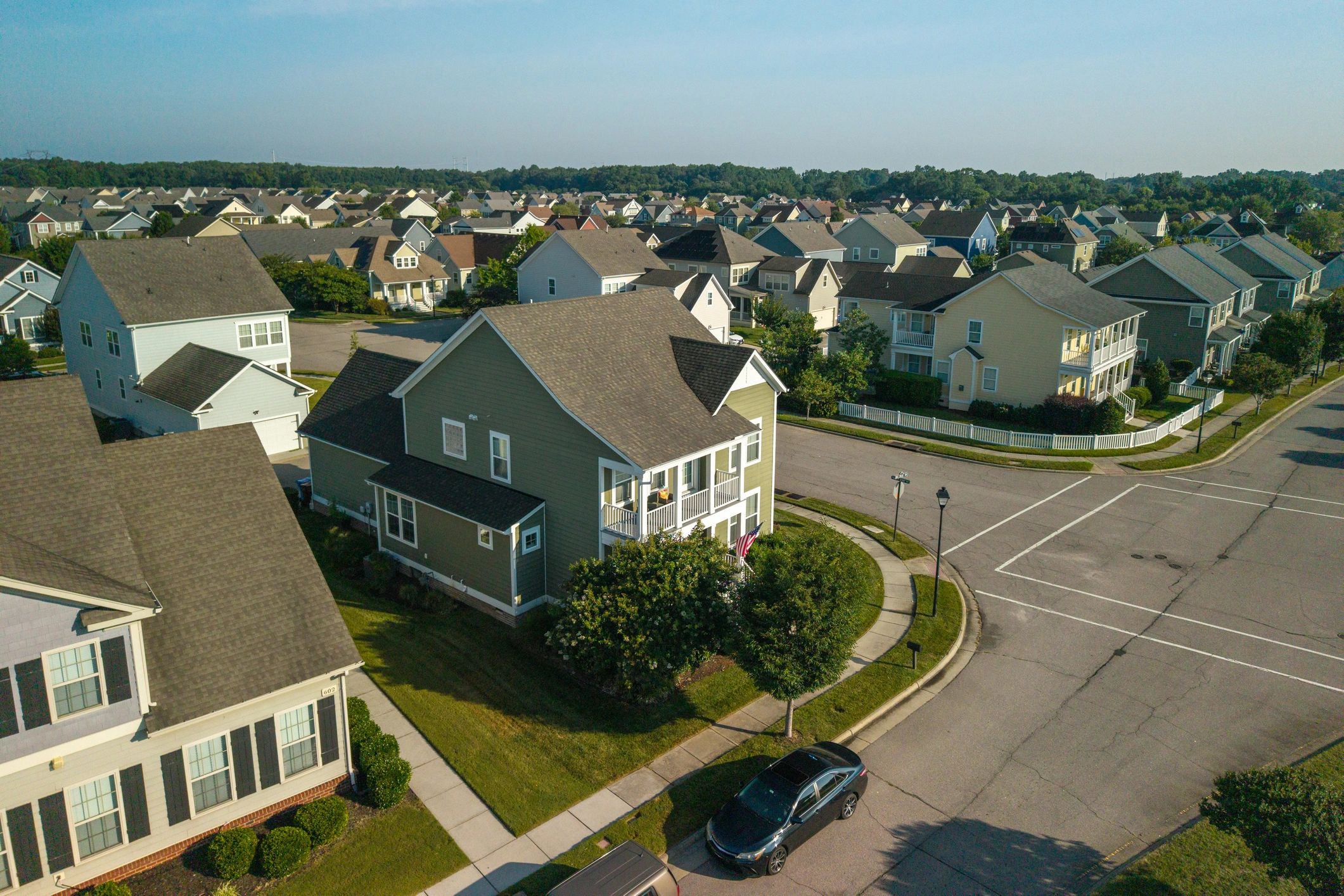
Urban / suburban properties

  • Prioritize front door, driveway, and street approach angles
  • Manage privacy boundaries and camera sightlines
  • Reduce false alerts from traffic and pedestrians with AI detection
  • Consider lighting and reflections from nearby homes and cars

Rural properties and acreage

  • Long driveways, gates, barns/shops, equipment yards
  • Wildlife and weather can increase false alerts—tune zones and sensitivity
  • Limited internet: consider PoE to a central recorder, wireless bridges, or LTE options
  • Solar cameras can cover remote zones without trenching power

Step-by-Step Installation Process & Timeline

Every property is different, but most installs follow a predictable plan. We keep you informed from quote to final walkthrough.

  1. Consultation: goals, coverage zones, and camera count planning.
  2. Site survey: confirm mounting points, cable paths, Wi‑Fi strength, and power options.
  3. System design: camera types, recorder/storage, app access, and alert strategy.
  4. Installation day: mount cameras, run cabling (if needed), connect network/recorder, and label everything.
  5. Configuration: motion zones, AI detection, notifications, recording schedules, and user permissions.
  6. Testing: day/night image checks, playback, export, and remote access verification.
  7. Training + handoff: you learn how to use the system and what to do if something changes.
Male technician stands on ladder, installs CCTV camera in office room using tablet

Typical timeline: smaller home systems can often be completed in a day; larger properties and commercial installs may take multiple days depending on cabling, lift access, and camera count.

What’s Included (Typical Project Scope)

  • Coverage planning and camera placement recommendations
  • Professional mounting and weather-aware installation
  • Network/recorder setup (as applicable)
  • App setup, user permissions, and alert configuration
  • Testing, walkthrough, and basic user training
  • Guidance on storage/retention and maintenance best practices

If you already have cameras installed, we can also help with upgrades, expansions, and troubleshooting—including improving Wi‑Fi coverage, fixing night glare, and optimizing motion alerts.

Security Camera Systems Gallery

FAQs

How many cameras do I need?

Most homes start with 3–6 cameras (front door, driveway, backyard, side gate). Businesses often need more to cover entrances, parking, and key interior areas. We’ll recommend a camera count based on coverage zones—not guesswork.

Is PoE better than Wi‑Fi?

PoE is usually more stable and scalable because each camera has a dedicated cable for power and data. Wi‑Fi can work well for smaller systems if signal strength is strong at every camera location.

Do cameras work if the internet goes out?

Local recording systems (NVR/DVR) can keep recording even if the internet is down, but remote viewing may be unavailable until service returns. Cloud-only systems typically require internet for recording and access.

How long is footage stored?

Retention depends on camera count, resolution, and storage size. Many systems are configured for 7–30 days, but longer retention is possible with larger drives or optimized settings.

Can you install cameras on metal buildings, barns, or shops?

Yes. We plan mounts and weatherproofing for the building type and can design connectivity for longer distances common on rural properties.

Are solar security cameras reliable?

They can be very reliable when installed with good sun exposure, proper battery sizing, and realistic expectations for event volume. We’ll help you choose locations and settings that keep the system running consistently.

Can I view cameras from my phone?

Yes. Most modern systems include secure mobile apps for live viewing, event alerts, and clip playback. We set up user access and show you how to use it.

What causes false motion alerts?

Common causes include trees/flags moving in the wind, insects at night, headlights, pets, and reflections. We reduce false alerts using AI detection, motion zones, sensitivity tuning, and better placement.

Do you help with existing systems?

Yes. We can troubleshoot, upgrade recorders, add cameras, improve Wi‑Fi coverage, and reconfigure alerts and storage settings.

How do I get a quote?

Call 936.259.4040 or use our contact form. We’ll ask a few questions about your property and schedule a quick survey if needed.

Texas-Wide Security Camera Installation

From urban neighborhoods to rural ranch roads, we install security camera systems across Texas for homeowners, businesses, and property managers.